Edit Saved ID
Once you have created your first ID, on the Home page you will have unlocked a few more items. You will see that the Edit Saved ID button is now clickable.
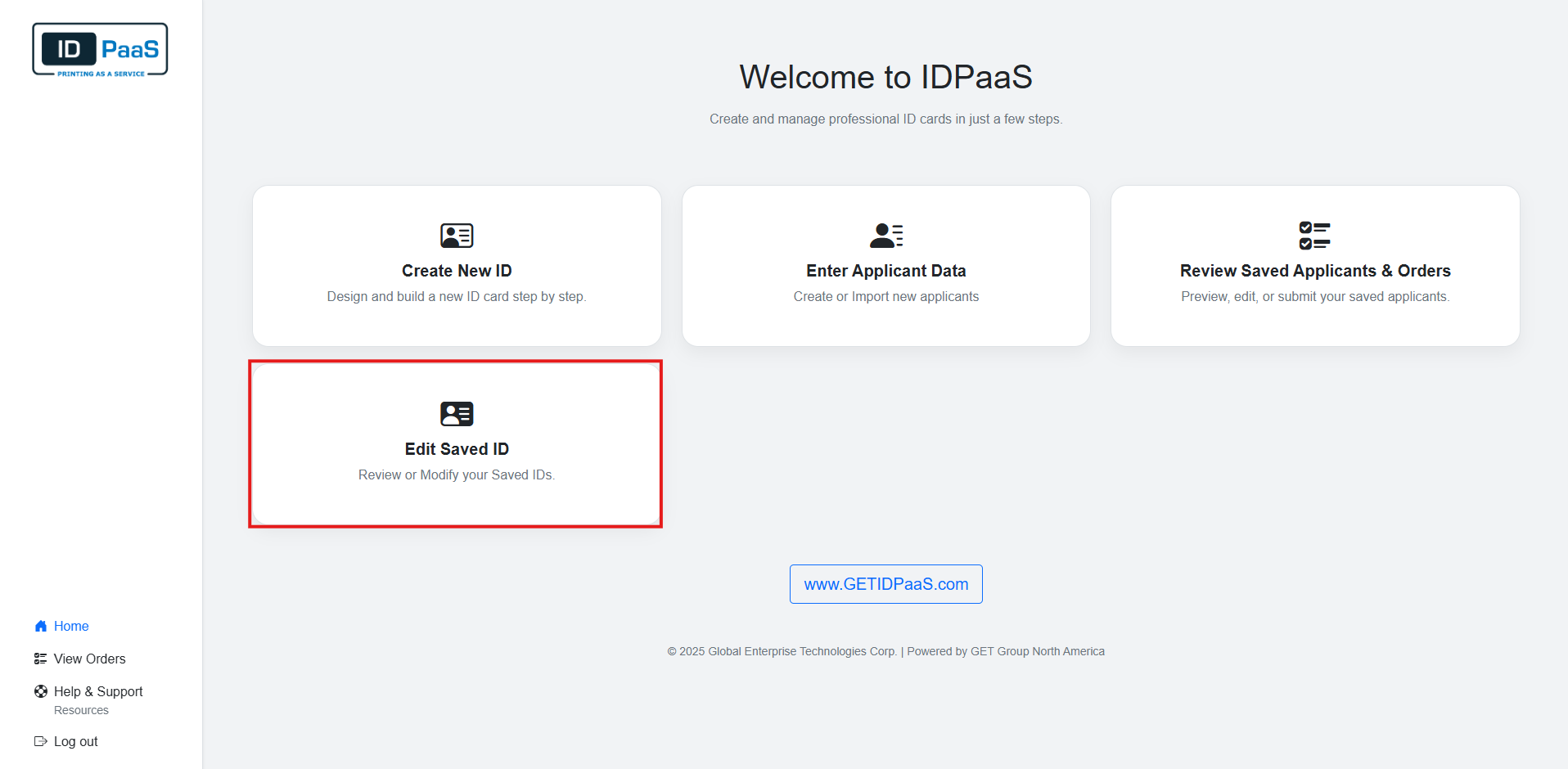
Edit Design
Clicking on the Edit Saved ID button will bring you to the Edit Design page.
You will see previous IDs created on this page. Please click on "Edit This Design" button to modify the current ID.
Submitting an ID to print will Locked the template as shown below with City of Utopia (Police)
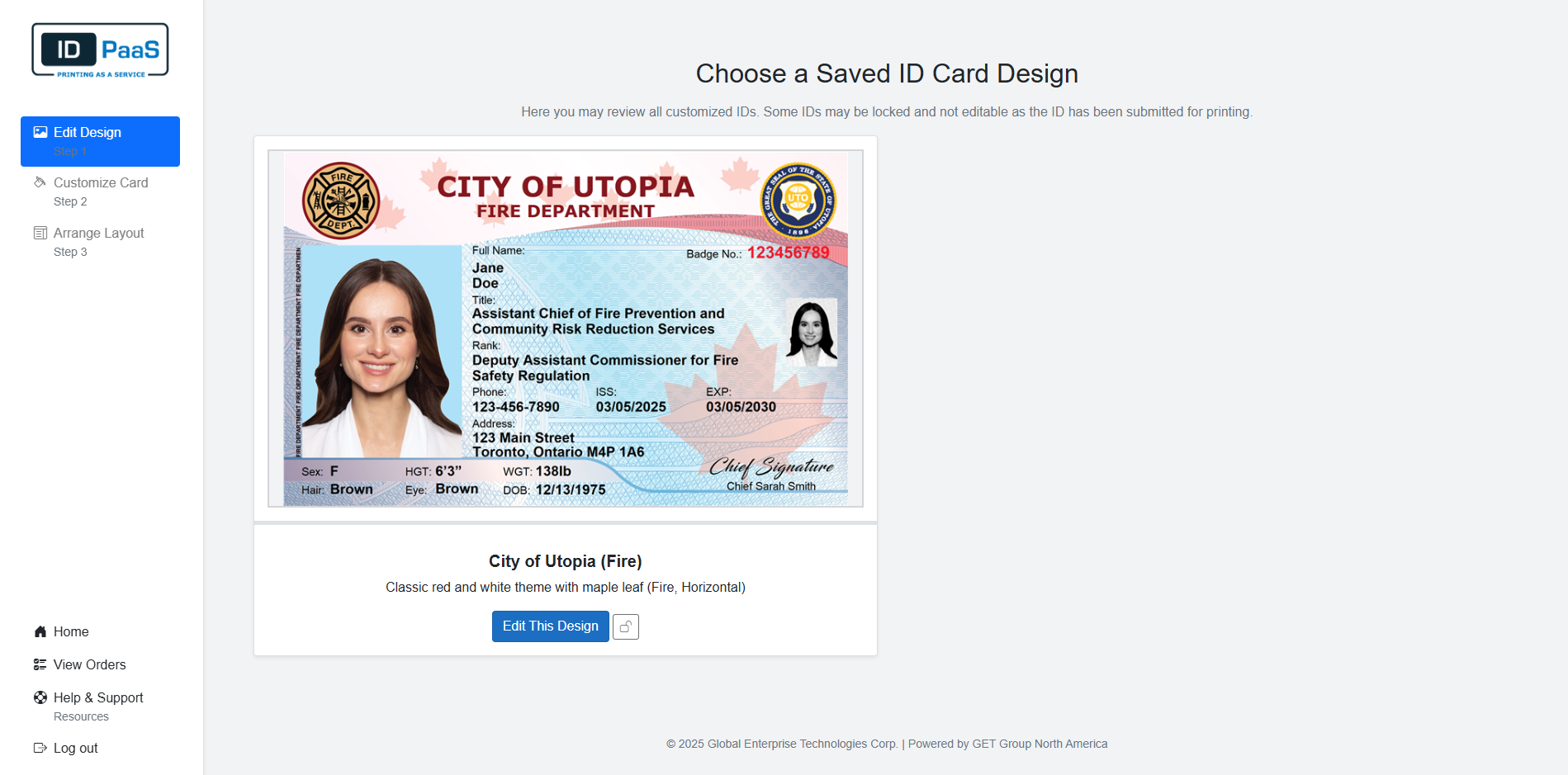
After selecting an ID, you will be brought back to the Customize Card Page. From this point on, the process will be identical to Creating a New ID.
If you want to go back and modify a new card, please click on Choose Design in the left Navigation. From here you can select a new card to design.
Please Click here to return to Customize Card.